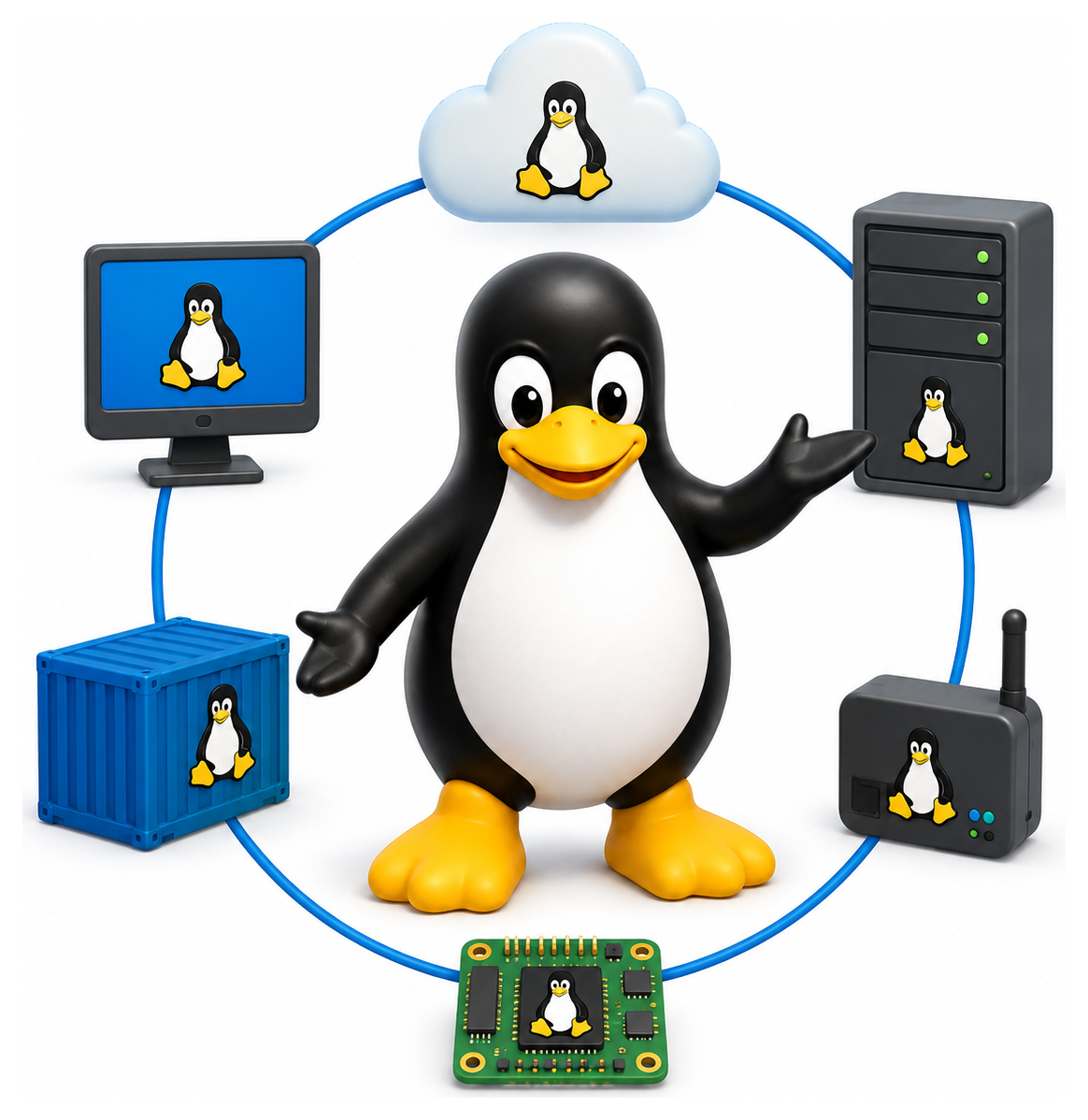
Linux is not one thing. It is a kernel, of course, but it is also a vast and endlessly branching ecosystem of distributions, desktop environments, init systems, packaging formats, and deployment contexts, each tuned to a particular audience, taste, or technical constraint. Walking through a well-stocked Linux shop is like walking through a tropical rainforest: countless species, some closely related, some surprisingly divergent, all sharing the same underlying ancestry. This final chapter is a map of that forest, to help you orient yourself wherever you find yourself working.
- Survey the major Linux distributions and their design philosophies
- Compare the main desktop environments and window systems
- Distinguish Wayland from X11 and understand why the transition is happening
- Appreciate Linux's role in servers, desktops, mobile, and embedded computing
- Reflect on the future directions of the Linux ecosystem
The Major Distribution Families
Almost every Linux distribution you will encounter descends from one of a handful of ancestors. Knowing the lineage tells you which package manager to expect, which init conventions apply, and what the community culture is likely to feel like.



The Debian Family
Debian itself was founded in 1993 by Ian Murdock; the name is a portmanteau of his then-girlfriend Debra and himself. It is perhaps the purest expression of the community-driven open-source ideal: entirely non-commercial, governed by an elected leader and a social contract, and committed to absolute software freedom. Debian has three active branches at any time (stable, testing, and unstable, codenamed "sid"), with stable releases coming every couple of years and enjoying very long support lifetimes. Debian powers an enormous amount of server infrastructure.
Ubuntu, launched in 2004 by South African entrepreneur Mark Shuttleworth and his company Canonical, is built on Debian but prioritises desktop user-friendliness and regular releases. Ubuntu releases a new version every six months (named alphabetically and adjectively: 22.04 Jammy Jellyfish, 24.04 Noble Numbat), with every fourth release designated long-term support (LTS) and maintained for five years or more. Ubuntu popularised Linux on the desktop and remains the default choice for many developers and data scientists.
Linux Mint is built on Ubuntu but with a more traditional desktop and a focus on usability for Windows switchers. Pop!_OS is System76's take, with excellent NVIDIA support and tiling window management. Kali Linux and Parrot OS are Debian-based distributions aimed at penetration testers. Raspberry Pi OS (formerly Raspbian) is the official OS for the Raspberry Pi single-board computer.
The Red Hat Family
Red Hat Enterprise Linux (RHEL) is the flagship commercial Linux distribution. Red Hat (now owned by IBM) sells support subscriptions rather than licensing the software itself, and RHEL has become the standard enterprise Linux in banks, governments, and Fortune 500 companies around the world.
Fedora is the community-developed, fast-moving upstream of RHEL. New features land in Fedora first, and after they have been proven stable, they flow into future RHEL releases. Fedora has a reputation for integrating cutting-edge technology quickly and has historically been the distribution that introduced systemd, Wayland, Pipewire, and other significant shifts to the wider ecosystem.
CentOS was for many years a free rebuild of RHEL, widely used by organisations that wanted RHEL without paying for support. In 2020 Red Hat pivoted CentOS into CentOS Stream, a continuously updated preview of RHEL: a move that upset much of the user base. The gap was quickly filled by Rocky Linux (founded by a CentOS co-founder) and AlmaLinux, both of which produce bug-for-bug compatible RHEL rebuilds.
openSUSE stands slightly apart. It comes in two flavours: openSUSE Leap (stable, slow-moving) and openSUSE Tumbleweed (rolling release, always current). SUSE Linux Enterprise Server is the commercial counterpart. openSUSE's YaST configuration tool is famously comprehensive.
Arch Linux and Friends
Arch Linux is a rolling release distribution that prioritises simplicity and user control. There is no friendly installer; you are expected to read the excellent Arch Wiki and assemble your system by hand. Once installed, Arch gives you the latest upstream software within days of release. The AUR (Arch User Repository) provides community-maintained build scripts for virtually every piece of software that exists.
Manjaro offers the Arch experience with a friendly installer and slightly more conservative update policies. EndeavourOS is a more minimal Arch frontend. Garuda Linux is Arch with gaming-friendly defaults.
Alpine, NixOS, and the Unusual
Alpine Linux is a tiny distribution built around musl libc and BusyBox instead of glibc and GNU coreutils. A base install fits in under 8 megabytes. Alpine is one of several common base images for Docker containers, alongside debian:slim, ubuntu, and the gcr.io/distroless family; it is popular when size matters most, though musl's occasional incompatibilities with glibc-specific software sometimes cause surprises and push teams back to a Debian-based base.
NixOS is the strangest and most interesting distribution in the ecosystem. It uses the Nix package manager, which installs every package to its own unique path under /nix/store, makes the entire system configuration declarative in a single file, and supports atomic upgrades and rollbacks. If you have ever wished you could version-control your entire OS configuration and roll back to exactly how it was last Tuesday, NixOS is for you.
Gentoo is a source-based distribution where every package is compiled locally with your chosen optimisation flags. It is slower to install and upgrade but offers unmatched control.
Void Linux uses the runit init system (an alternative to systemd) and its own xbps package manager. Artix is Arch without systemd.
Table 20.1: Major Linux distributions at a glance
| Distro | Family | Package Mgr | Release Model | Target Audience |
|---|---|---|---|---|
| Debian | Debian | apt (.deb) | Stable snapshots (~2 yrs) | Servers, purists |
| Ubuntu | Debian | apt (.deb) | Semi-annual + LTS every 2 yrs | Desktops, cloud |
| Linux Mint | Debian/Ubuntu | apt (.deb) | Follows Ubuntu LTS | Desktop newcomers |
| Fedora | Red Hat | dnf (.rpm) | Semi-annual, ~13 mo support | Developers, early adopters |
| RHEL | Red Hat | dnf (.rpm) | Long-term (10 yrs) | Enterprise production |
| Rocky / AlmaLinux | Red Hat | dnf (.rpm) | Mirrors RHEL | Free RHEL alternative |
| openSUSE Leap | SUSE | zypper (.rpm) | Stable, annual | Enterprise, YaST fans |
| openSUSE Tumbleweed | SUSE | zypper (.rpm) | Rolling | Power users |
| Arch | Arch | pacman | Rolling | DIY enthusiasts |
| Manjaro | Arch | pacman | Rolling (delayed) | Newcomers wanting Arch |
| Gentoo | Gentoo | emerge (source) | Rolling | Hobbyists, optimizers |
| Alpine | Alpine | apk | Stable, small | Containers, embedded |
| NixOS | Nix | nix | Rolling + stable | Reproducibility nerds |
| Void Linux | Void | xbps | Rolling | Musl/runit fans |
Table 20.2: Release models explained
| Model | How It Works | Pros | Cons |
|---|---|---|---|
| Stable point release | Freeze versions, publish every N months/years | Predictable, well-tested | Software gets 'old' |
| LTS (Long Term Support) | Stable release with extended security support | Low churn on servers | Even older software |
| Rolling release | Ship latest upstream continuously | Always current | Occasional breakage |
| Atomic / image-based | Whole OS image updated and rollback-able | Reliable, transactional | Harder to customize |
Desktop Environments
Above the base distribution sits the desktop environment: the layer that draws windows, menus, taskbars, and file managers, and ties together dozens of individual applications into a coherent whole. Unlike Windows and macOS, Linux gives you a real choice here, and the choice has consequences for look, feel, resource use, and workflow.
GNOME
GNOME is the default on Debian, Ubuntu (with modifications), Fedora, and many others. It is opinionated, minimalist, and focuses on touchpad-friendly gestures and keyboard shortcuts. The top bar with "Activities" and the overview screen are its signature features. GNOME shell is written mostly in JavaScript and is extensible via user-contributed extensions. It is polished and consistent, but some users find it too restrictive.
KDE Plasma
KDE Plasma is the opposite end of the philosophy: endlessly configurable, visually rich, and Windows-like in its default layout. Every aspect of Plasma can be tuned, from the panel layout to the window decorations to the file manager behaviour. KDE's applications (Dolphin, Kate, Konsole, Kdenlive) are among the most mature on Linux. Performance is surprisingly light given the visual depth.
XFCE, MATE, LXQt
XFCE is a lightweight traditional desktop descended from ideas in CDE. It runs well on older hardware and offers a conventional menu-panel-icons layout.
MATE is a continuation of the GNOME 2 desktop, which was the standard Linux desktop from 2002 until GNOME 3's release in 2011 changed direction. Users who preferred the old layout forked it as MATE.
Cinnamon is another GNOME 2 descendant, maintained primarily by the Linux Mint project.
LXQt is an extremely lightweight Qt-based desktop that runs on almost anything.
i3, Sway, and the Tiling Window Managers
A different tradition treats windows not as overlapping rectangles but as tiles that automatically divide the screen. i3 is the classic tiling window manager for X11; Sway is its direct Wayland equivalent. These are not desktop environments so much as window managers with companion utilities, and they appeal to developers who spend all day in terminals, text editors, and browsers, and who never want to touch a mouse.
+---------------+---------------+
|               |               |
|    Firefox    |     Vim       |
|               |               |
+---------------+---------------+
|                               |
|          Terminal             |
|                               |
+-------------------------------+
Everything is keyboard-driven. Once configured, they are ruthlessly efficient.
Table 20.3: Major Linux desktop environments
| DE | Toolkit | Philosophy | Weight |
|---|---|---|---|
| GNOME | GTK | Opinionated, touch-friendly, minimalist | Heavy |
| KDE Plasma | Qt | Traditional, highly configurable | Medium |
| XFCE | GTK | Classic, lightweight, stable | Light |
| Cinnamon | GTK | Traditional desktop (Mint) | Medium |
| MATE | GTK | Continuation of GNOME 2 | Medium-light |
| LXQt | Qt | Very lightweight | Very light |
| Budgie | GTK | Modern, simple (Solus origin) | Medium |
| Pantheon | GTK | macOS-like (elementary OS) | Medium |
| i3 / Sway | n/a | Tiling window manager | Minimal |
| Hyprland | n/a | Modern Wayland tiling compositor | Minimal |
X11 and Wayland
Underneath every desktop environment is a display server that manages the low-level business of drawing pixels, handling input devices, and letting applications share the screen.
X11, the X Window System, has been that display server on Unix since 1984. It is extraordinarily flexible: it was designed when computers were so expensive that multiple users shared them, and remote display ("I run the program on that mainframe, but the window appears on my terminal") was a core feature. You can still do this today with ssh -X.
But X11 is also showing its age. Its security model is weak: any X client can read any other client's keystrokes, by design. Its graphics model was designed before compositing, so modern effects like transparency and smooth animation require awkward workarounds. Its networking code is ancient. And the reference implementation, X.Org Server, has accumulated decades of cruft.
Wayland is the replacement, designed from scratch in the late 2000s with modern graphics, strong isolation, and a simpler protocol. It is now the default on Fedora, Ubuntu, and several others. The transition has been bumpy, and as of 2025 Wayland has reached the point where it works well on Intel and AMD GPUs and most mainstream desktop environments; GNOME and KDE Plasma in particular are in good shape. NVIDIA support has improved markedly with the open nvidia-open kernel modules but still lags the experience on other vendors. Screen-recording and screen-sharing workflows have historically been awkward under Wayland's stricter isolation model and are only now settling around PipeWire portals. Some legacy applications (older Electron builds, some games, a handful of professional tools) still work better under XWayland, the compatibility layer that runs a nested X server inside Wayland for clients that have not been ported.
The practical upshot for the user: on a recent Intel or AMD laptop running Fedora or Ubuntu, Wayland mostly just works. On an NVIDIA machine, or with niche applications, you may still end up switching your session back to X11, and that option will remain available for several years yet.
Table 20.4: X11 vs Wayland
| Aspect | X11 | Wayland |
|---|---|---|
| Age | 1984 | 2008 (first release 2012) |
| Architecture | Network-transparent server | Compositor = display server |
| Security | Any client can screen-scrape | Strict isolation between clients |
| Screen sharing | Trivial | Needs portals (pipewire) |
| Network transparency | Yes (slow over WAN) | No (use waypipe) |
| Tearing / HiDPI | Weaker | First-class |
| Compatibility | Everything supports it | Most modern apps; XWayland for the rest |
| Default on | Older systems | Most new installs in 2024+ |
Linux Everywhere
The sheer range of places Linux runs is staggering.
On Servers
The dominant use. Every major cloud provider runs Linux (AWS, Google Cloud, Azure, DigitalOcean, Hetzner, Oracle), and the majority of virtual machines and containers on those clouds are themselves running Linux. Web servers, databases, application runtimes, message queues, CI/CD pipelines, Kubernetes clusters: the modern internet is built on Linux.
On Desktops
Still a minority, around 4% global market share in 2026, but growing, and far more popular among developers, engineers, and scientists. The Steam Deck, Valve's handheld gaming device, runs a custom Arch-based SteamOS and has brought Linux gaming to millions. Microsoft's Windows Subsystem for Linux (WSL) is not quite the same thing, but it has introduced Linux command-line workflows to a generation of Windows developers.
On Mobile
Android, with over three billion active devices, is Linux: a heavily customised Linux with a bespoke user-space framework, but Linux nonetheless. If you count Android users as Linux users, Linux is the most popular operating system on Earth by a wide margin.
Postmarketos, Mobian, and Ubuntu Touch keep alive the dream of a non-Android Linux phone.
On Embedded Systems
Routers, smart TVs, set-top boxes, in-flight entertainment systems, industrial controllers, digital cameras, e-readers, printers, medical devices, cars. If a device has a processor and does anything more complicated than a microwave oven's timer, it very likely runs Linux. Yocto and Buildroot are the standard toolchains for building embedded Linux systems.
On Supercomputers
All 500 of the world's top 500 supercomputers run Linux, a statistic that has held for several years now. Scientific computing is effectively a Linux monoculture.
In Space
The International Space Station's astronaut laptops were migrated from Windows to Linux in 2013. NASA's Ingenuity Mars helicopter ran Linux on a Snapdragon processor: the first Linux-based flight on another planet, although the Perseverance rover that carried it runs the real-time OS VxWorks. SpaceX's Falcon 9 and Dragon vehicles run Linux. When humans return to the Moon under Artemis, much of the onboard computing will likely run Linux.
Table 20.5: Where Linux runs (beyond servers)
| Domain | Example | Kernel Flavour |
|---|---|---|
| Smartphones | Android (billions of devices) | Mainline + vendor forks |
| Smart TVs | Samsung Tizen, LG webOS, Android TV | Mainline |
| Set-top boxes | Roku, Fire TV | Mainline |
| Cars | Automotive Grade Linux, Tesla | Mainline |
| Routers / IoT | OpenWrt, DD-WRT | Mainline (often stripped) |
| Supercomputers | All 500 of the Top 500 | Mainline |
| Space | SpaceX Dragon, ISS laptops, Ingenuity | Mainline |
| Game consoles | Steam Deck (SteamOS) | Mainline + custom |
| Windows | WSL2 (yes, really) | Microsoft-built mainline |
The Future
Where does Linux go from here? A few currents worth watching.
Rust in the kernel. After years of debate, Rust became an official second language for Linux kernel development in 2022. New drivers and subsystems are increasingly being written in Rust, offering memory safety guarantees that C cannot.
Immutable distributions. Fedora Silverblue, openSUSE MicroOS, Vanilla OS, and the rpm-ostree family of systems treat the base OS as a read-only image that is atomically updated. This gives you reliable rollbacks and makes the desktop system much more like a phone in its reliability.
Wayland completion. After more than a decade, Wayland has essentially won, and X11 will gradually fade into legacy compatibility.
eBPF everywhere. The ability to safely instrument the kernel from user space is transforming observability, networking, and security tools.
AI workloads. GPU-accelerated machine learning runs almost exclusively on Linux, and NVIDIA's driver situation, long the bane of desktop Linux, is finally improving with the open nvidia-open kernel modules.
Taking Stock
Over twenty chapters, we have looked at Linux from the kernel up through the shell, the filesystem, system administration, scripting, development tools, and the broader ecosystem. There is more, much more, that this book has not covered: kernel development, advanced networking, SELinux internals, distributed storage, scientific computing, multimedia, accessibility, the whole universe of GNU tools beyond the most common. Linux is too vast for any single book to be comprehensive.
What this book has tried to give you is the spine: the concepts, the vocabulary, and the habits that let you walk up to any Linux system (a laptop, a server, a Raspberry Pi, a cloud VM, a stranger's strangely-configured workstation) and know what you are looking at. Every Linux machine in the world shares the same DNA. Every shell prompt speaks the same language. Every file on every Linux filesystem has an owner and a mode and an inode, and every running process has a PID and a parent and a command line.
That vocabulary is about to be tested on the newest thing built with it. The last of the currents listed above, AI workloads, has grown large enough to deserve a part of its own. Part 6 turns to it: how machine learning came to be built almost entirely on Linux and open source, and how the command-line assistants now emerging from that work behave when you run them on your own machine. They are, as the next five chapters set out to show, ordinary Unix processes with an unusual job.
