GNOME Files (Nautilus)
The default file manager for GNOME.
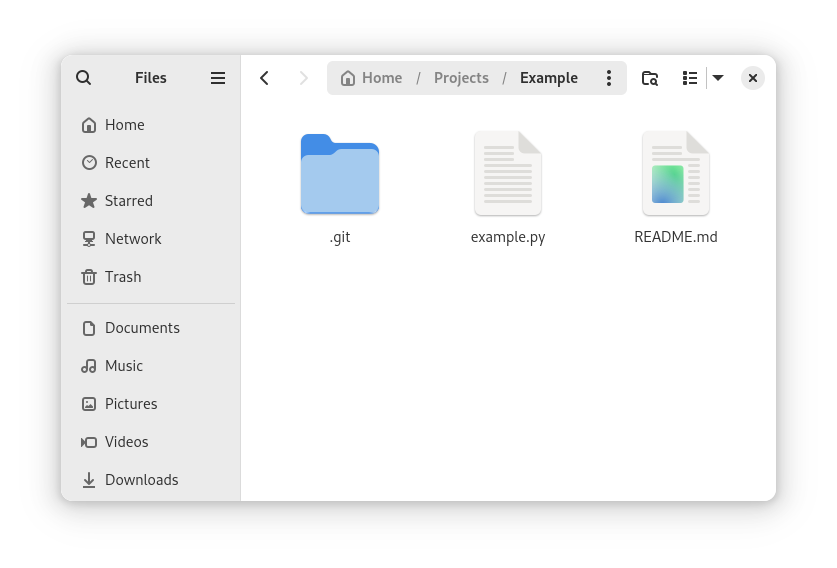
Nautilus, branded simply as Files in modern GNOME releases, is the standard file manager on GNOME desktops. It supports tabbed browsing, Quick Look-style previews via the Sushi integration, network shares (SMB, SFTP, WebDAV) via GVfs, and Tracker-powered full-text search of indexed content. The user interface follows GNOME's Human Interface Guidelines closely — minimal toolbar, contextual sidebar, sensible defaults.
Nautilus is one of GNOME's longest-running components. It predates GNOME 2 and has been continuously developed across multiple major rewrites. The current GTK 4 / libadwaita implementation is part of GNOME's core applications and follows the standard six-month GNOME release cycle.
For most GNOME users Nautilus is the file manager they use daily. Forks like Nemo (used by Cinnamon) and Caja (used by MATE) preserve features removed from upstream Nautilus — things like split panes, F3 dual-pane mode, type-ahead find — that some users rely on heavily. Nautilus itself emphasises the simpler, more streamlined interface.
Install
Preinstalled on GNOME-based distributions. To install on
another desktop:
  Debian/Ubuntu: sudo apt install nautilus
  Fedora:        sudo dnf install nautilus
  Arch:          sudo pacman -S nautilus
Authors
- GNOME project
