GNOME Terminal
The default terminal emulator on GNOME.
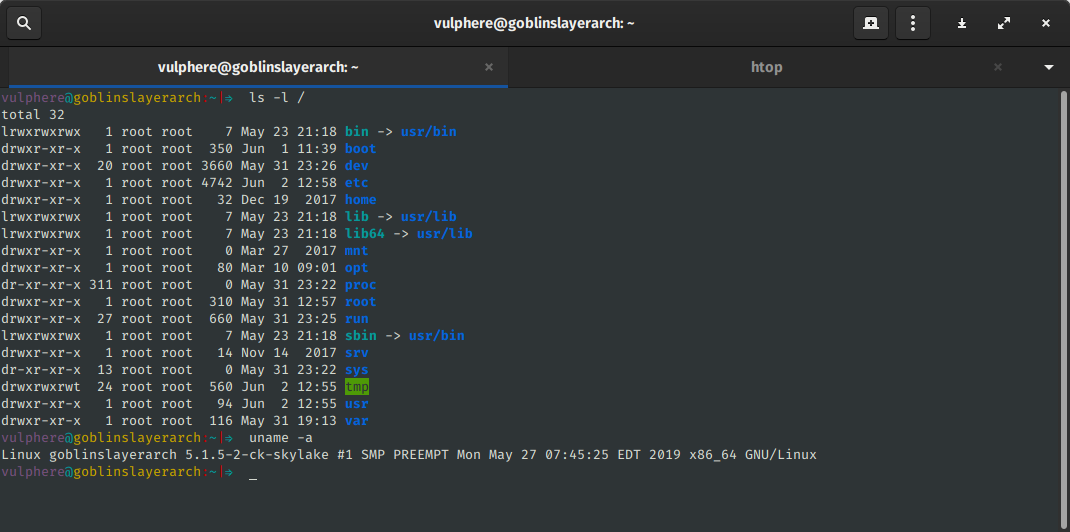
GNOME Terminal is the default terminal emulator on GNOME desktops. It supports tabs, profiles (each with its own colours, font, and shell command), Unicode rendering, GPU- accelerated drawing, hyperlinks via the OSC 8 escape sequence, and the standard set of selection and copy/paste behaviours that modern terminal applications expect.
The terminal is part of the GNOME Core Applications and follows GNOME's release schedule. Since GNOME 3.32 (2019) it has used VTE for terminal emulation, the same library that Tilix, Black Box, and Ptyxis are built on. Recent releases have improved hyperlink handling, shell integration, and HiDPI rendering.
GNOME Terminal is the terminal most Ubuntu and Fedora Workstation users meet first. For users who want more elaborate features (configurable layouts, tiling, transparency, fancier escape-sequence support), Tilix, Konsole, and Alacritty are common alternatives, but GNOME Terminal remains the most universally available default.
License: GPL-3.0-or-later
Category: Terminal
Website: https://help.gnome.org/users/gnome-terminal/stable/
Install
Preinstalled on GNOME desktops. To install separately:
  Debian/Ubuntu: sudo apt install gnome-terminal
  Fedora:        sudo dnf install gnome-terminal
  Arch:          sudo pacman -S gnome-terminal
Authors
- GNOME project
