Alacritty
A fast, GPU-accelerated terminal emulator.
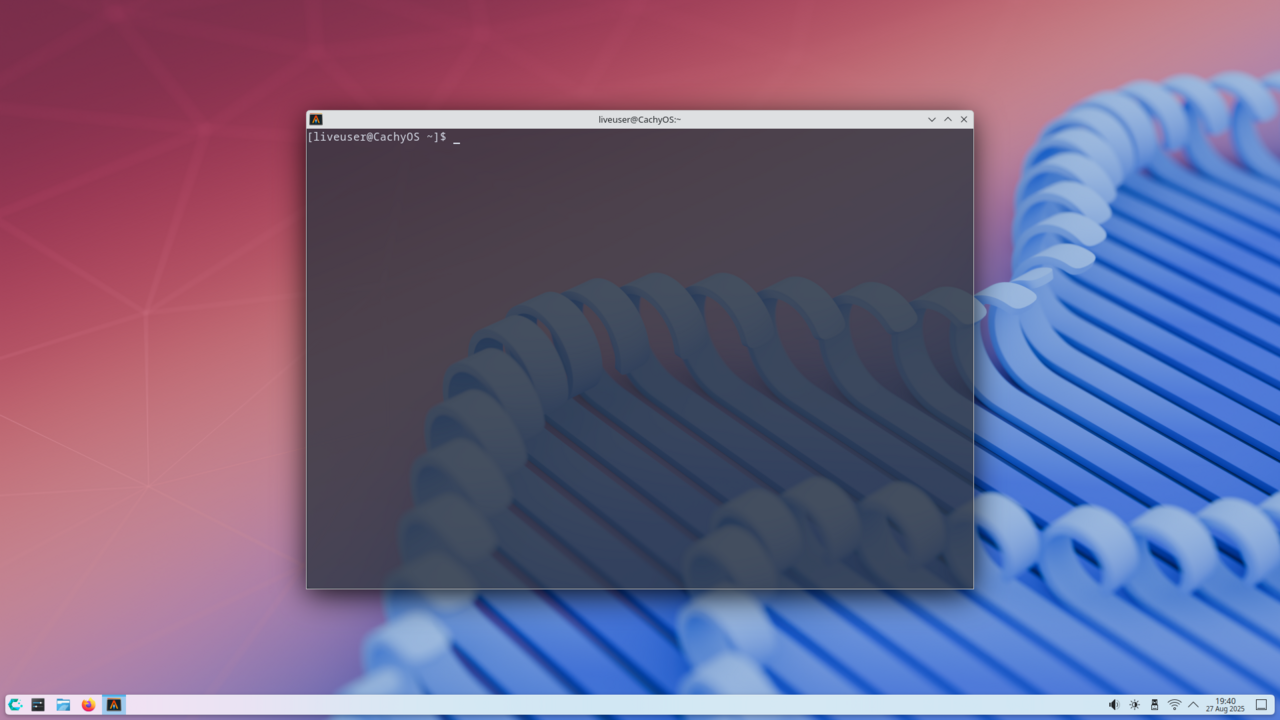
Alacritty is a minimalist terminal emulator written in Rust that renders text via OpenGL. The result is unusually fast scrolling and low input latency, at the cost of features such as tabs, scrollback search, and a built-in menu — Alacritty users typically pair it with tmux for those features. The configuration is a single TOML file; there is no graphical preferences dialog.
The emphasis on speed and simplicity has made Alacritty popular among programmers and power users who do most of their multiplexing in tmux or a tiling WM. The cross-platform support (Linux, macOS, BSD, Windows) and the stable configuration format make it pleasant to use the same terminal on every machine.
Joe Wilm started Alacritty in 2017 and led development for several years; the project is now community-maintained. It is Apache-2.0 licensed and packaged in essentially every Linux distribution. WezTerm, kitty, and Foot are common alternatives, each with different trade-offs around features and complexity.
Install
Debian/Ubuntu: sudo apt install alacritty
Fedora/RHEL:   sudo dnf install alacritty
Arch:          sudo pacman -S alacritty
macOS:         brew install --cask alacritty
Authors
- Joe Wilm (original author)
- Alacritty contributors
