OBS Studio
Free software for video recording and live streaming.
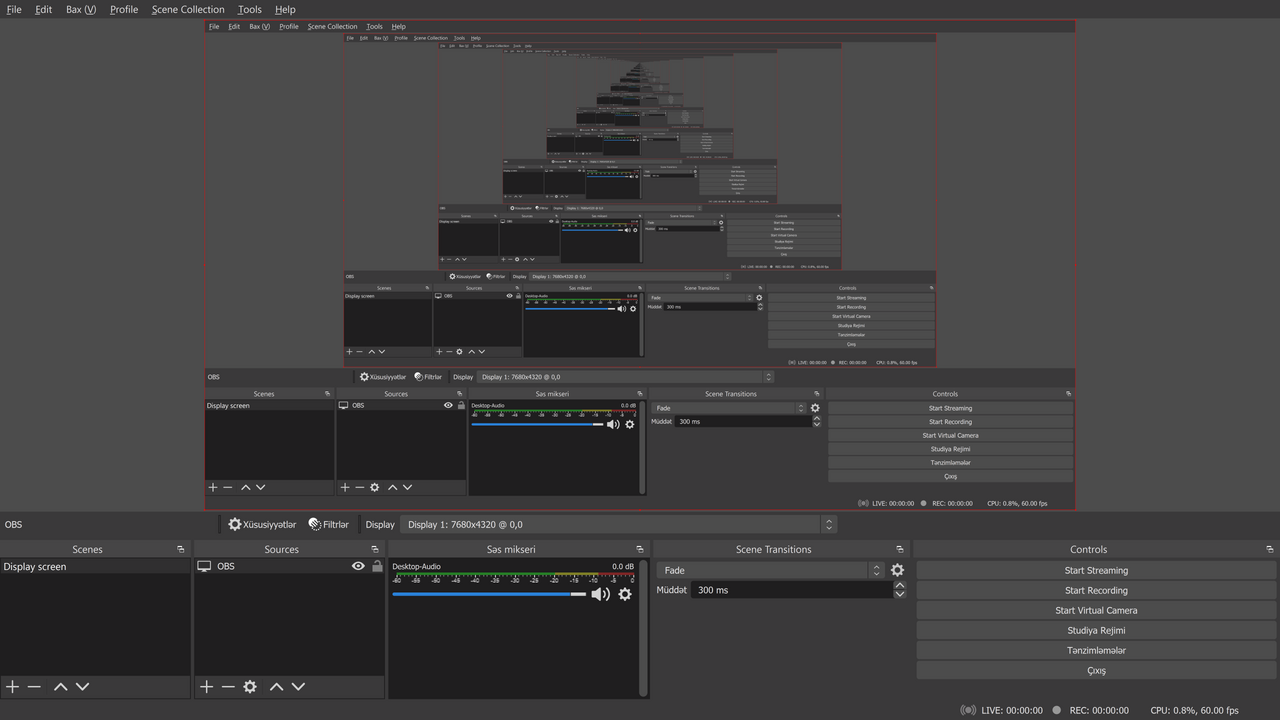
OBS Studio composes scenes from camera feeds, screen captures, images, browser sources, audio inputs, and other elements, then records the result to disk or streams it to platforms such as Twitch, YouTube, Facebook Live, or any RTMP/SRT endpoint. It has become the standard tool for live streamers, lecturers, video producers, and creators producing recorded tutorials.
Scenes group sources together, transitions move between scenes, and audio mixers handle multiple microphones and sound sources with per-source filters. Hardware-accelerated encoding via NVENC, AMF, QuickSync, and VideoToolbox lets a single laptop or desktop encode 4K streams while leaving the CPU free for other work.
Hugh "Jim" Bailey created OBS Studio in 2014 as a successor to the older OBS Classic. The project is governed by the OBS Project, a non-profit, and is GPL-2.0+. A rich plugin ecosystem extends OBS with virtual cameras (sending the OBS output as a webcam to other apps), audio routing, scene templates, advanced filters, and integrations with platforms like StreamElements and Streamlabs. Adoption has grown steadily and OBS is now the dominant free streaming/recording application across all major operating systems.
Install
Debian/Ubuntu: sudo apt install obs-studio
Fedora/RHEL:   sudo dnf install obs-studio
Arch:          sudo pacman -S obs-studio
macOS:         brew install --cask obs
Authors
- Hugh "Jim" Bailey (creator)
- OBS Project contributors
