GIMP
A free raster image editor.
The GNU Image Manipulation Program is a full-featured raster editor: layers, masks, paths, channels, brushes, scripted batch processing through Script-Fu and Python-Fu, and a large filter library. GIMP serves as a free alternative to Adobe Photoshop for many photo retouching, digital painting, web graphics, and graphic-design tasks, particularly in the free-software community where licensing or workflow integration matters.
Spencer Kimball and Peter Mattis began GIMP as a UC Berkeley class project in 1995, and it became the GNU project's flagship graphics application. The GTK toolkit was originally written for GIMP's own UI before being spun out as a separate project that GNOME, Inkscape, and many other applications now build on — a notable case of an application's internal toolkit becoming the basis for a much broader desktop ecosystem.
GIMP 3.0, released in 2025 after a long development cycle, brought a long-awaited port to GTK 3 (the previous version was still on GTK 2, deprecated for over a decade) plus non-destructive editing improvements and better colour-space handling. Adoption rate among professional graphic designers remains modest — Photoshop still dominates that market — but GIMP is widely used by hobbyists, small businesses, and free-software enthusiasts.
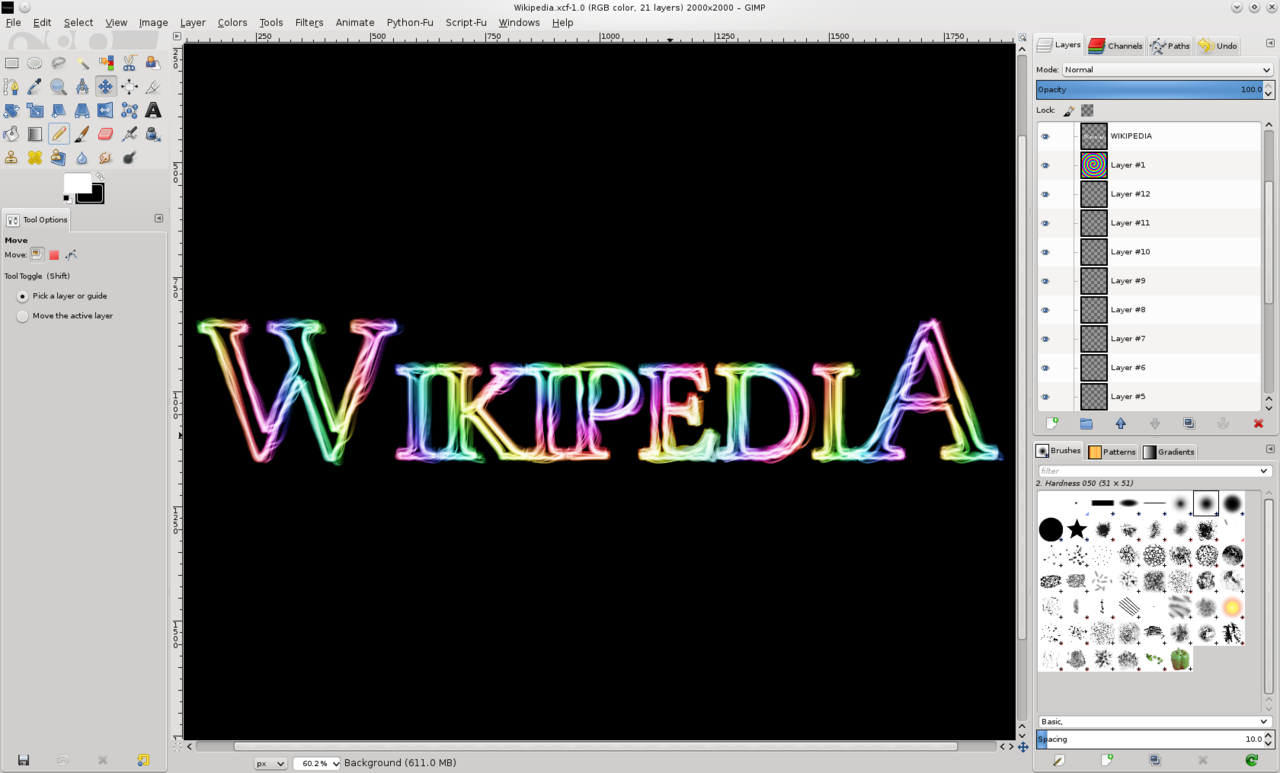
Install
Debian/Ubuntu: sudo apt install gimp
Fedora/RHEL:   sudo dnf install gimp
Arch:          sudo pacman -S gimp
macOS:         brew install --cask gimp
Authors
- Spencer Kimball, Peter Mattis (original authors)
- The GIMP development team
